
Theme is the most basic but most important building block of any website. It decides the structure, performance, usability, and functioning of any website. So, it is important to pick the right one based on your application. I have designed many WordPress websites for businesses and blogs and I have a simple checklist to always select the right theme for any purpose. This is what I am going to share today in this article.
A theme also decides how many and which plugins you will have to use to get the website running. In a nutshell, it is the base of your website and should always be chosen carefully. For business websites with multiple features like payment integrations and storefronts, the need for a good thing is much more critical. For blogs, portfolios, and other simple websites, it is pretty easy to pick the right WordPress theme.
A good theme must be well-maintained, have a good page speed score, and offer you the required customization features. Let’s see what are the other things that you should keep in mind.
1. Lightweight and Fast From the Start
I always look at how the theme performs before adding plugins or customizations. If it is slower initially without any additions, it will surely get more slower as we add new features and visual elements. Most of the popular themes are good from the very first day but it is very important to confirm. You can run it through tools like Google Pagespeed Insights or GTMetrix. Compare the performance of different themes before making your decision.
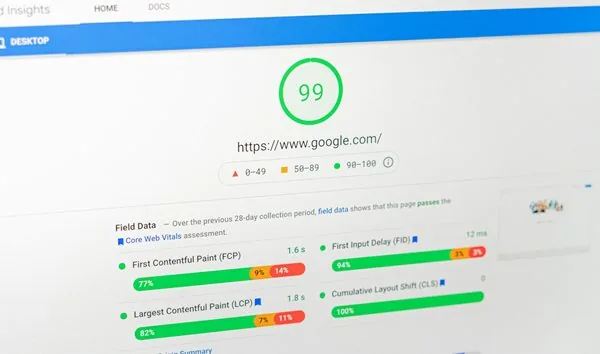
Being lightweight means the code of that theme is refined and this will build a good base for the whole website. If you are going to purchase a paid theme, make sure to test the demo websites thoroughly and make sure the website is fast, light, and responsive. Avoid themes that rely heavily on large JS/CSS files and pick the ones that are built on performance-first philosophy.
2. Clean, Well-Organized Code
Well-written code of any theme improves its stability and long-term reliability. It will reduce the chances of plugin conflicts and other technical issues. For me, it is always the ease of debugging when some problem arises. I always check if a theme follows the WordPress coding standards. For this, you will have to dig a little into its documentations but it is easy to understand these days with the help of AI.
I always avoid themes that use outdated libraries and deprecated functions. A theme must be well-maintained and you should get regular updates so that the issues are fixed as soon as possible by the developers themselves.
3. Flexible Customization Without Bloat
Before picking a theme for the final project, I always check that it allows layout, color, and typography control without overload. It is best not to use any theme for these simple customizations. I also avoid themes that bundle sliders, builders, and dozens of unused features and plugins. Themes relying on these extras are always a big no for me. Too many built-in features often increase page weight so choose them only if you have to use them.
I also look at how simple the customization features are so that the learning curve is not that steep. I check for the lock-in features if I am picking a free version of the paid theme. Popular themes are mostly highly customizable but if you are going to choose a specific theme, make sure to check how much customizable it is.
4. Compatibility With Page Builders
For me, a good theme must work well with the Gutenberg editor. Without it, I will just refuse the theme. For others, it might be other criteria but, a theme compatible with Gutenberg is generally a well-developed and maintained one. It should be well tested with with popular builders like Elementor, Beaver Builder, or Bricks. There must be no layout breaking when you switch builders. All these things will take time for testing but in the long run, it is always helpful for you as a designer.
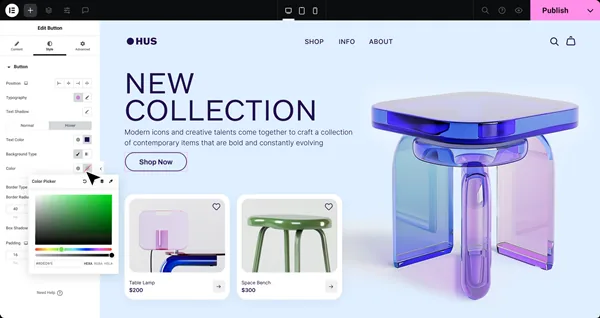
I generally avoid themes that force their own proprietary builder. Elementor support is always better but I have worked with other builders and not all propeitary builder themes are good. So, pick properly.
5. Strong Support and Good Documentation
A clear and concise documentions of a theme saves hours during the setup. Most people not read these but it is good if you want to do real customizations and some custom coding work. Support quality matters more than just availability. If you are getting priority support with a theme, it is always a good thing.
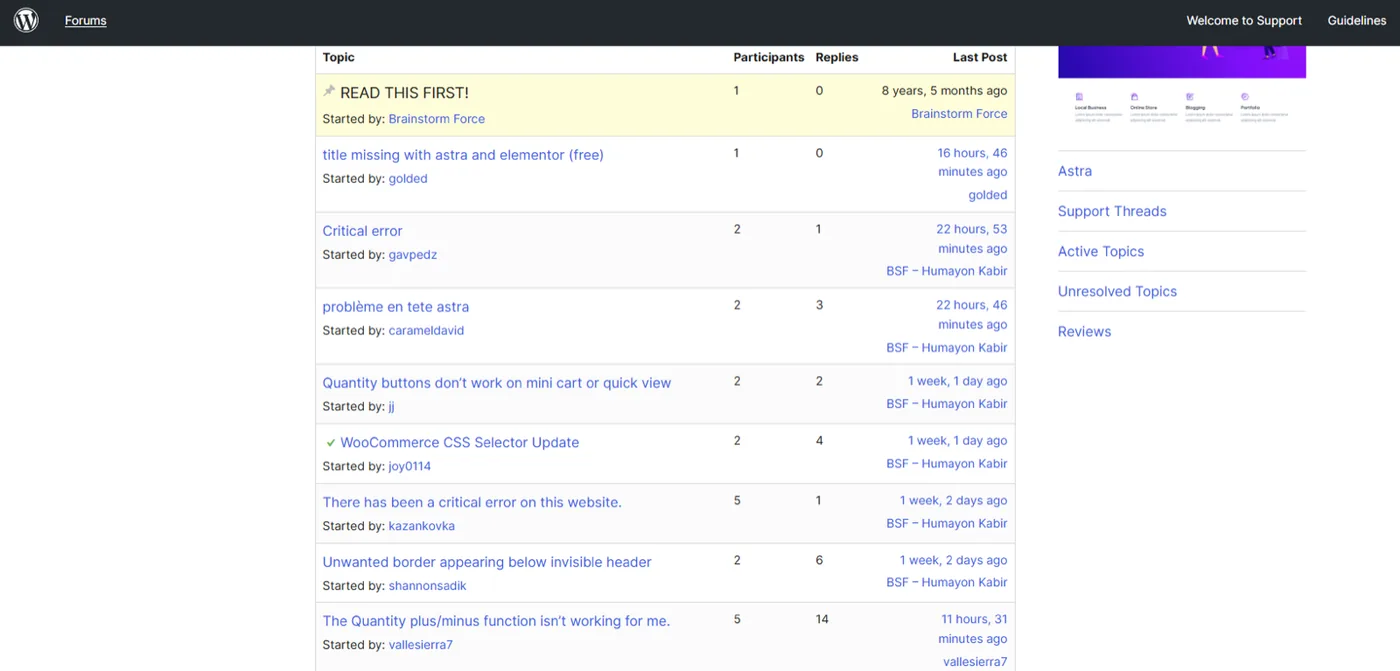
Look how active the community is around the theme. Look for active support forums or ticket systems. Faster problem resolution means less downtime. Most people ignore this thing but for me, it is definitely a deciding criteria.
Conclusion
Choosing the right WordPress theme is not about picking the most visually impressive demo, it is about picking the right base for the website to come. A good theme should have a good base. It must be lightweight, fast, and built with clean code so performance and stability don’t become problems as your site grows. Popular themes are generally good and have a better support environment. But if you want some special customization and in need for a specific theme, make sure to keep these things in mind before making your decision.