
I have working on WordPress for years and have seen a lot of changes and methods to optimize. Whether you optimize your website for performance, SEO, or user-friendliness, plugins always come into play. Whether it is your SEO plugin or a security plugin, they are mandatory in most cases. But, because of the number of plugins for different things and their features and drawbacks, it can become hard to choose. Also, I have seen people using plugins unnecessarily which end up causing more harm than good.
To be precise, there is a list of plugins that you must have on your WordPress blog. Most of them can be considered the general-purpose plugins and I am also going to give you the best options. However, you are always free to do your own research and pick what is best for you.
Plugins can make your websites heavy if you use a lot of them unnecessarily. So, keep the number in check and always keep them updated. With that said, let’s get started with the list of plugins.
1. A Reliable Caching Plugin
A good caching plugin immediately speeds up a fresh site, even before other optimizations. It cuts down server load, improves Core Web Vitals, and gives a noticeable boost in page load times. Whenever a visitor load the website, WordPress runs PHP code. It queries the database and build the page dynamically. After that, it is sent to the browser.
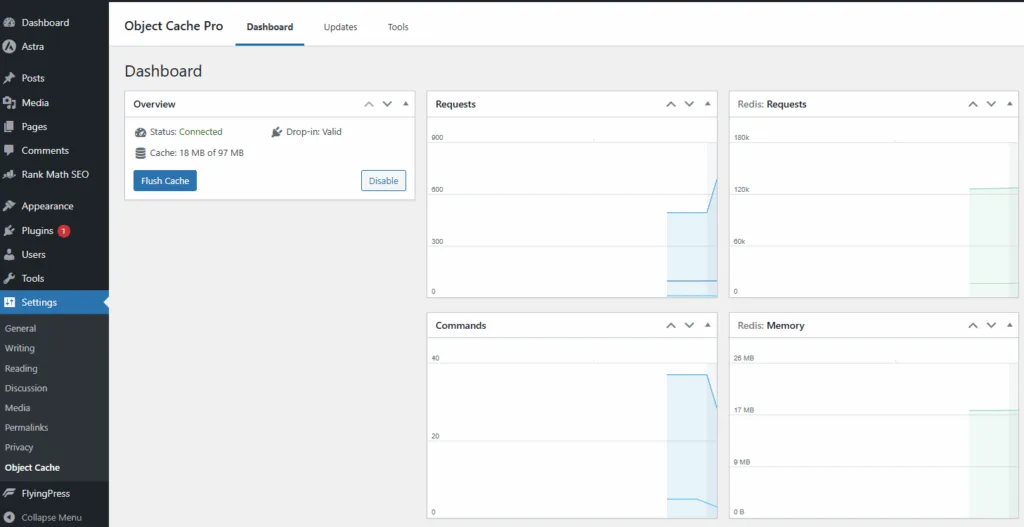
A caching plugin saves the finished pages as a static HTML file and serves the file directory to the visitors. It basically skips most of the PHP and database work which is necessary for loading any page.
Many caching plugins also cache database queries and object. They also have options for minifying CSS, JS, and HTML. They can combine files, cache browser, add compression, and integrated with CDNs. Some good options to pick from are:
- WP Rocket
- W3 Total Cache
- WP Super Cache
- LiteSpeed Cache (for LiteSpeed servers)
- Cache Enabler
2. A Security Plugin
A security plugin helps with malware scanning, firewall rules, login protection, and alerts. It’s a simple layer of protection I never skip on any WordPress website. I have faced many instances of hacking and login bypassing when I am not using a security plugin. These plugins often offer you features like malware scanning, file integrity monitoring, IP blocking, and activity logging.
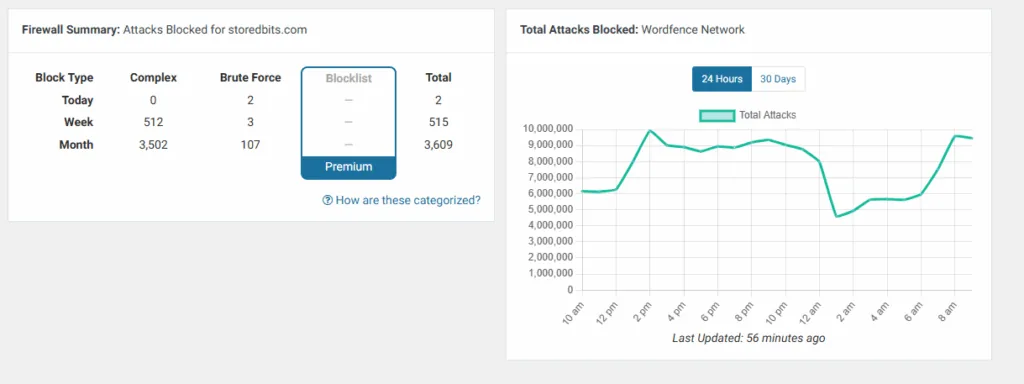
WordPress is a common target for the hackers because of its popularity. So, it becomes necessary to have a good security plugin active and installed no matter the scale of your website. Some good options to choose from are:
- Wordfence
- Sucuri Security
- iThemes Security
- All In One WP Security
- MalCare
3. An SEO Plugin
SEO Plugins help with on-page SEO, schema, sitemaps, and content previews. Randing from adding tiels and tags to adding canonical URLs a good SEO plugin is almost always necessary even for small tasks. Even if you know nothing of SEO, these plugins will automate things for you. From customizing URLs to basic content analysis like keyword usage and readability, these plugins will help you with numerous things.
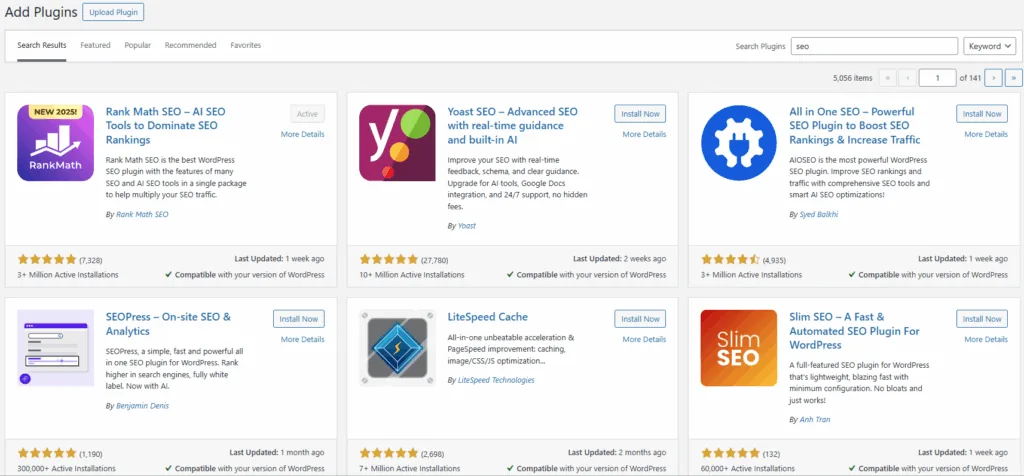
I like these plugins because they save time by automating technical SEO tasks that would otherwise require manual coding. With well-written titles, they can help you increase CTR as well. They matter the most in content-drive websites, businesses, E-commerce stores or mainly the websites relying on organic traffic. Some good options to choose from are:
- Yoast SEO
- Rank Math
- All in One SEO (AIOSEO)
- SEOPress
4. A Backup Solution
Backups are essential, especially during updates or major design changes. Automated daily backups with easy restore options have saved me more than once. Not everyone would need this feature because most hosting providers also offer automated backups but to have a peace of mind, I generally keep a personal backup plugin as well. They offer full site backups which include wordpress files, themes, plugins, uploads, etc. You can also setup schedules backups or on-demand backups. You can connect third-party providers like Google Drive or Dropbox if you want.
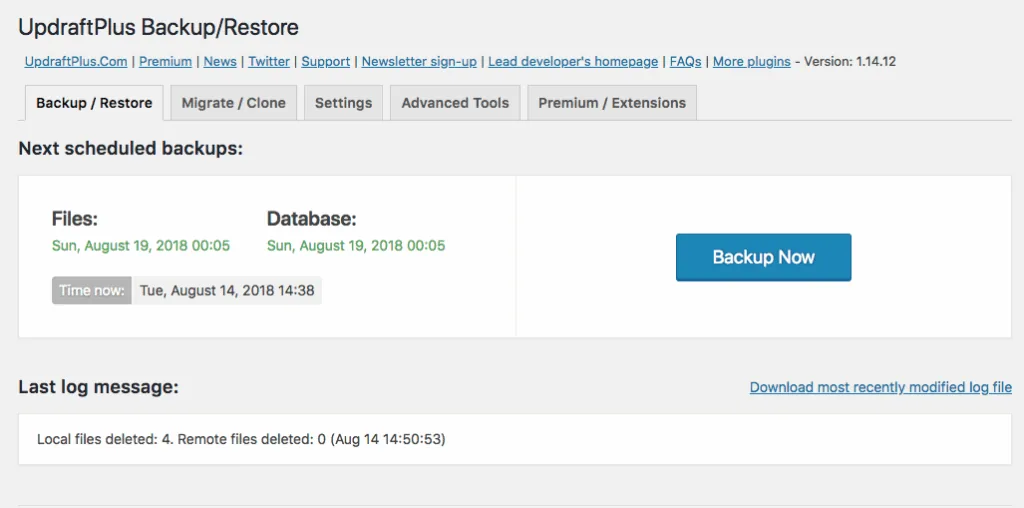
A backup plugin is good for protect your data against any losses. They are great to recover you website quickly from a security incident. Also, they give you peace of mind. They are most important in E-commerce and membership sites. Business websites or any website where content is updated frequently, backup plugins are mandatory. Some good options to pick are:
- UpdraftPlus
- Jetpack Backup
- BackupBuddy
- BlogVault
5. Image Optimization Plugin
If your website has a lot of images or even few images but with heavy sizes, it is good to have an image optimization plugin as well. They compress images without visible quality losses and keep your website loading speed in check. It is recommended to convert images to modern formats like WebP to ensure quick loading and these plugins can automate that as well for you. You can also enable lazy loading and resize oversized images automatically.
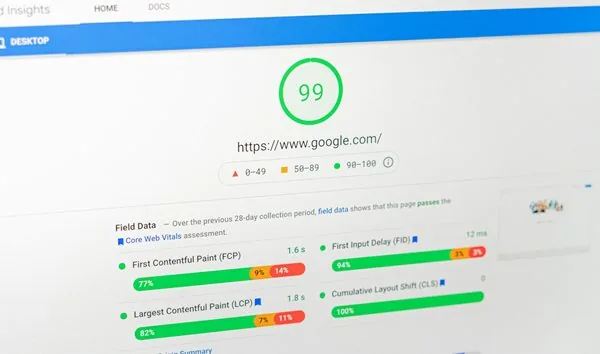
Image optimization is necessary because images are usually the largets files on a website. If they load faster, it improve user experience and SEO. You also see drop in the overall bandwidth and hosting resource usage. Some good options to choose from are:
- Smush
- ShortPixel
- Imagify
- Optimole
6. Database Optimization / Cleanup Plugin
Over time, your WordPress website can get filled with a lot of unused data along with removed post revisions, drafts, spam, and trashed comments, etc. The database tables also need regular optimizations because it keeps growing as you publish new content or even without it.
Database optimization improves backend and frontend performance by reducing the load. It will also reduce backup size and server load. However, it is important to do this properly because you may end up cleaning some important data. Two common plugisn that I generally use and recommend are:
- WP-Optimize
- Advanced Database Cleaner
Conclusion
With all these plugins, you will make your wordpress website fast, secure, safe, and SEO-Ready. However, there are different other plugins which can be important for you but not in every scenario. Page Builders, Form-Builders, Code-inserters, are some of the extra plugins that you may need when doing some advanced stuff. However, this is the list suitable for beginners and you should always consider.